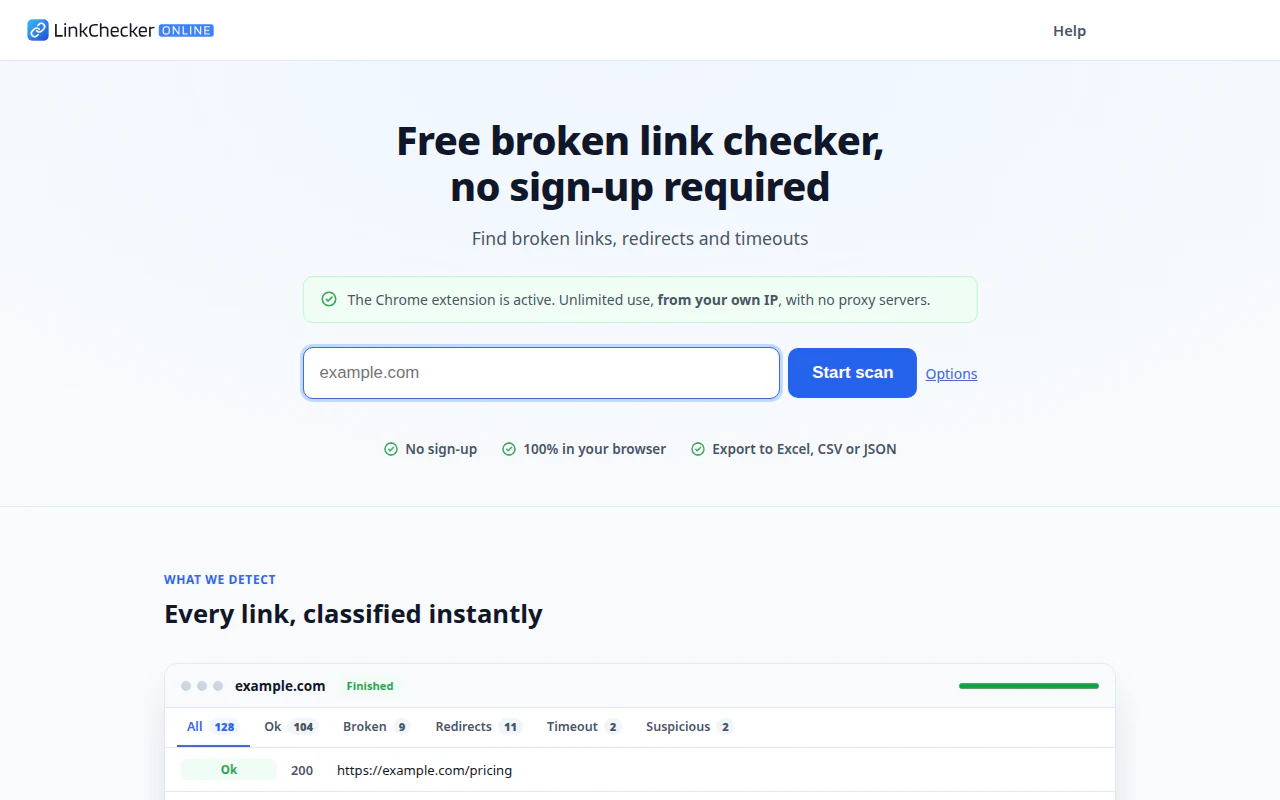
I wanted a public tool to check for broken links on a website. There are plenty already, so I set myself three conditions: it had to be free with no accounts, the crawl had to run in the user’s browser (no job queues on a server of mine), and anyone needing more power could bypass the limits by installing a Chrome extension.
The result is linkcheckeronline.com. This is the first of two articles: here I explain how it’s built and the design obstacles; in the second, the bugs that only showed up in production and the things I deliberately chose not to fix.
The starting idea
A link checker does four things, essentially: it downloads a page, extracts its links, checks each one (does it respond? with what status code? does it redirect?) and moves on to the other pages of the same domain.
The usual approach is to do it on a server. I wanted the opposite: all the logic (queue, deduplication, classification, UI) on the client and the thinnest backend possible. No database, no users, nothing to maintain. The resulting architecture is rather unusual:
- A single Cloudflare Worker that serves the frontend as static assets and exposes a handful of
/api/*routes. - A Durable Object to count requests and limit concurrency per session.
- Vanilla JavaScript with ES modules: no framework and no bundler for the app.
- A separate Astro project just for static content (legal pages, help, blog).
The first wall: CORS
Before writing a single line of UI I already had the problem that shapes everything else.
From a web page you can’t read another site’s response. If you call fetch("https://other-site.com"), the browser blocks it unless that site sends Access-Control-Allow-Origin. And if you use mode: "no-cors" you get an opaque response: status 0 always and an unreadable body. For a link checker, which needs exactly the status code and the HTML, that’s useless.
That’s why I ended up with two interchangeable fetch engines behind a single function, fetchUrl():
| Proxy (default) | Chrome extension | |
|---|---|---|
| Who makes the request | The Cloudflare Worker | The user’s browser |
| IP the target sees | The Worker’s | The user’s own |
| URL limit | 100, strict | No application limit |
| Installation | None | Extension from the Web Store |
The crawler doesn’t know which engine it’s using: it calls fetchUrl() and always gets the same response shape (status, location, bodyText, contentType, durationMs…). It was one of the best decisions of the project: when the extension arrived, the rest of the code didn’t have to know.
Proxy mode: little backend, but well defended
An open proxy that fetches any URL is a gift to abusers, so the backend, thin as it is, has several layers:
- Cloudflare Turnstile (the modern CAPTCHA, almost always invisible) to redeem a token.
- An endpoint that validates that token and returns a short-lived JWT.
- A second endpoint that requires the JWT, applies a per-IP limit and asks the Durable Object before making the real request.
- The Durable Object, keyed by the JWT identifier, keeps the 100-URL counter and a concurrency semaphore.
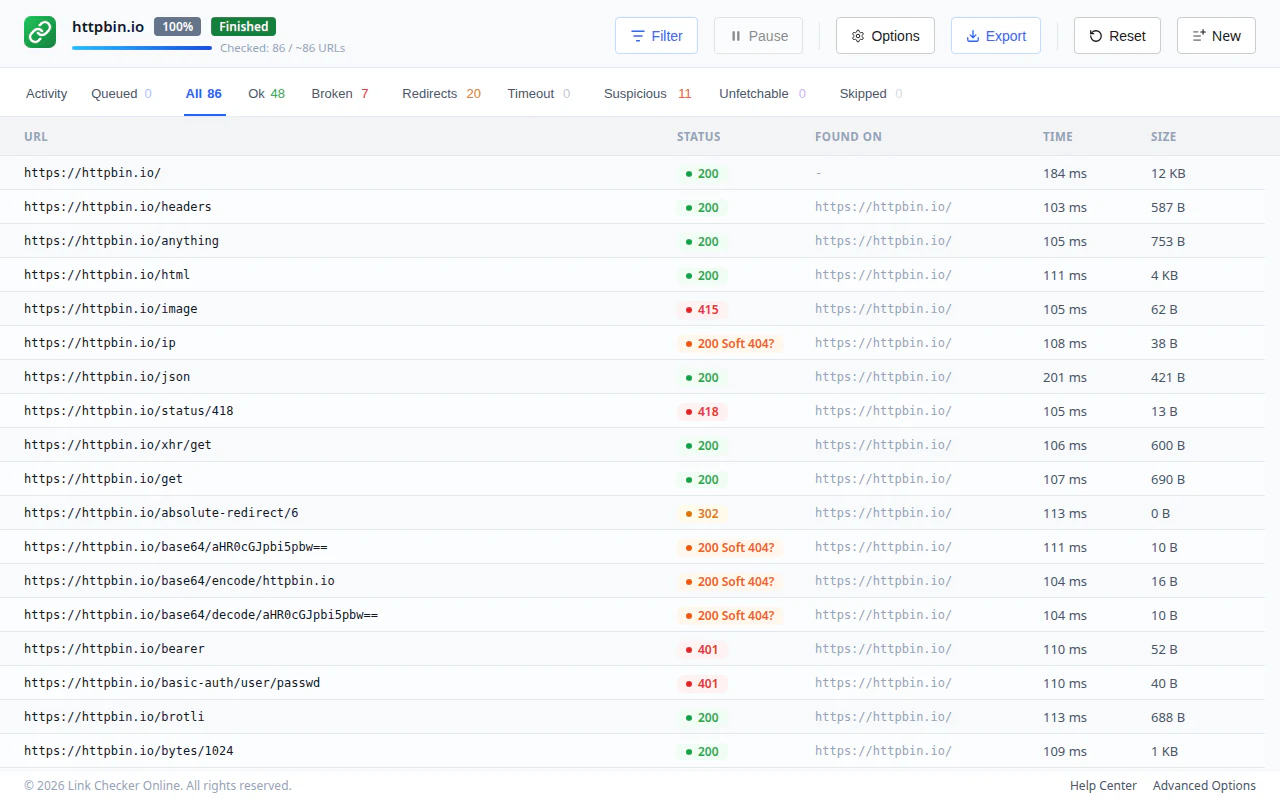
Two small details that mattered. The Worker never follows redirects towards the target (redirect: "manual"), because I want to see the 301 or 302 as is: they’re part of what needs to be reported. And the 100-URL cap is enforced on the server, never trusting what the client says.
And a Durable Objects lesson: every session creates a new instance and there’s no API to enumerate them, so their storage would be orphaned forever. The fix was for each instance to schedule its own deletion alarm on first use and call deleteAll() when it fires. Cleanup has to come from the inside, not from an external sweep.
The Chrome extension and opaque redirects
For the unlimited mode I built a Chrome extension. With host_permissions over all origins, its service worker can read cross-origin responses. It looked easy… until I tested redirects.
With redirect: "manual", the browser’s native fetch() doesn’t give you the 301: it gives you an opaqueredirect response with status: 0 and no headers. The Cloudflare Workers runtime, on the other hand, does expose the real 3xx. Two worlds, two behaviours, and I needed the classification to be identical.
The solution was to watch the network from the outside: two persistent chrome.webRequest listeners (onBeforeRequest and onBeforeRedirect) that record the status code and Location header of every hop, and a correlator that matches them with the fetch() request. When the fetch resolves as opaqueredirect, I ask the correlator for what the browser had hidden from me.
The hard part came later. With several tabs checking the same URL at once, correlating by URL alone mixes up responses. I ended up correlating by initiator and requestId, and added a mutex per exact URL and a per-host concurrency semaphore (a maximum number of simultaneous requests against one domain, summed across all tabs) to be a “good citizen” towards the crawled site.
The User-Agent that won’t change
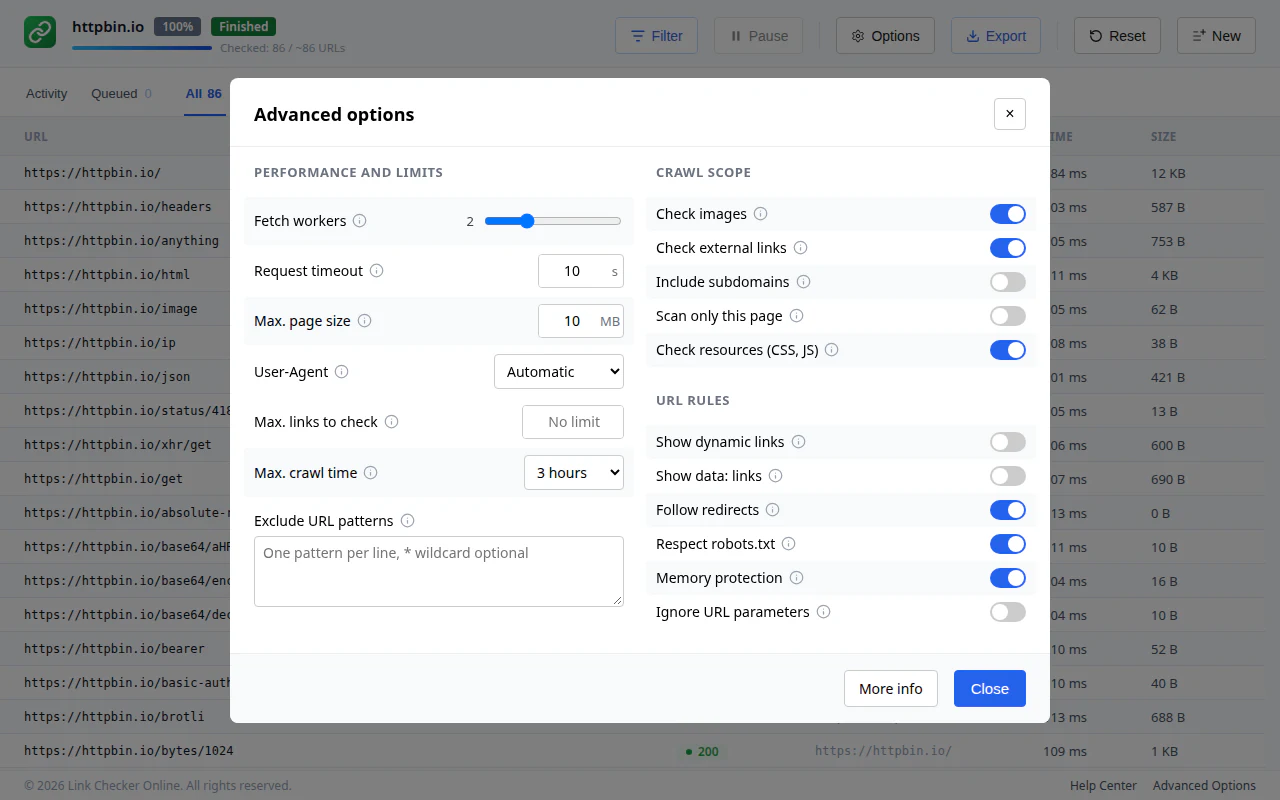
Another classic: a browser’s fetch() silently ignores any User-Agent header you set. I wanted to identify myself as a bot, with a URL explaining who I am, and to do that I had to use declarativeNetRequest.updateSessionRules() with a modifyHeaders rule, scoped to requests initiated by the extension itself so as not to touch the rest of the user’s browsing.
And then there are sites that return 403 (or 999, for some) to any bot. For those cases there’s an Automatic mode (the User-Agent selector lets you choose another): the first request always identifies itself as a bot, and only if the site rejects it with a 403 or 999 is there a single retry with the browser’s User-Agent, within the same request and without spending extra quota. The goal isn’t to get around blocks, but to avoid reporting as broken a link that a normal browser opens just fine.
A boundary imposed by the store
Publishing an extension on the Chrome Web Store has a cost a website doesn’t: every change requires a version bump and another review. That forced me to draw a line:
- Anything that can be solved in the web app or the Worker, gets solved there.
- The extension is as simple and stable as possible.
- Bugs that could only be fixed in the extension get noted down for a future submission instead of being patched on the fly.
It’s an uncomfortable discipline at first, but it has saved me more than one unnecessary review.
What’s coming in part two
That’s the design. What teaches you the most, though, is what failed: a button that did nothing only in production, a crawl that “finished” when resumed, characters garbled by encoding, and a couple of decisions to deliberately not fix something. I’ll cover them on Friday in part two.
In the meantime, if you want to try the tool, it’s at linkcheckeronline.com. And if you find a broken link it doesn’t detect, I’d love to hear about it.